
Short answer
Transparency removes the background fill, so whatever sits behind the code becomes its light half. That is fine on a white page and fatal on a photo or a dark panel. Only PNG, WEBP and SVG keep transparency — JPG and PDF fill it with white.
What transparency actually does
Turning on a transparent background does not make the code adaptable. It removes the light half of the code and delegates it to whatever is underneath.
A QR code is a two-colour system. The dark modules carry the pattern, and the light areas are just as load-bearing — they are what the dark modules are read against. Transparency means you no longer control half of that system.
On a white page nothing changes and the file is more convenient. On a photograph, a coloured panel or a dark background, the code simply stops working.
When it is genuinely useful
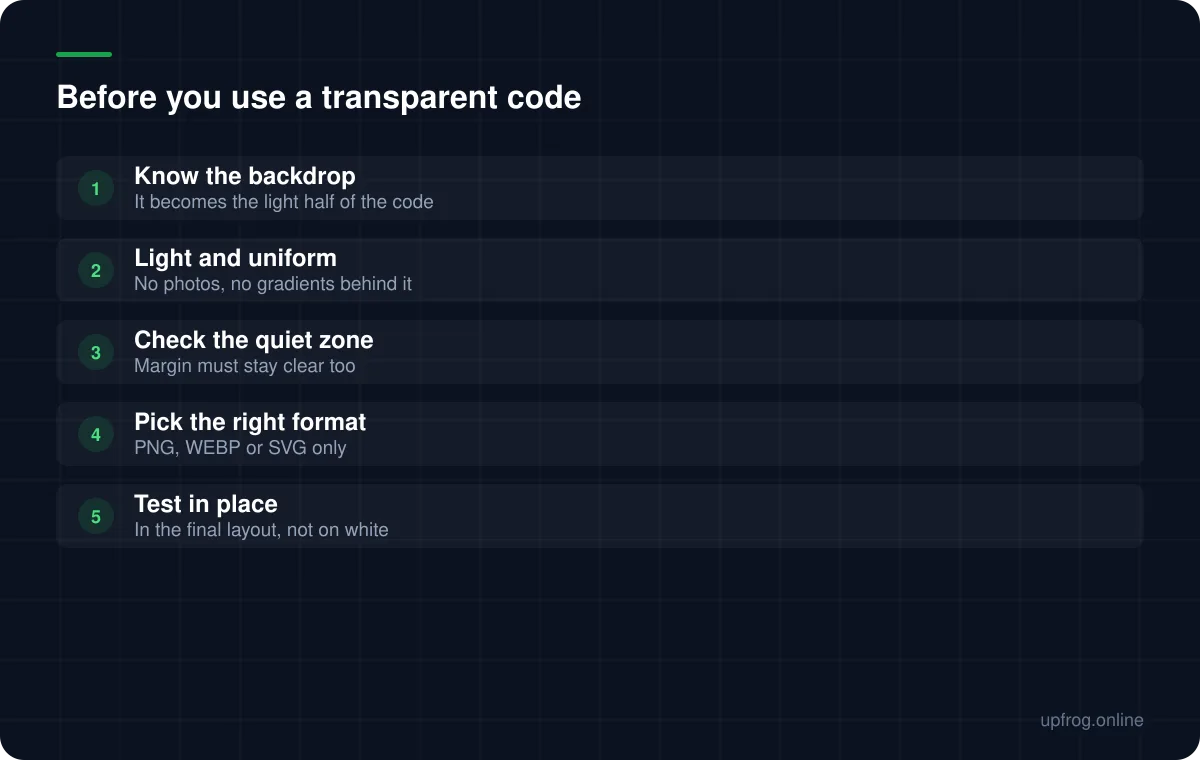
Transparency earns its place when you know the backdrop and it is light and uniform.
- Placing a code onto an off-white or lightly tinted layout without a visible white box around it.
- Handing an asset to a designer who will composite it themselves onto known artwork.
- Overlaying onto a pale, flat brand colour where a hard white rectangle would look clumsy.
When to avoid it
Anywhere you do not control or cannot predict what sits behind the code. That includes documents other people will edit, templates reused across campaigns, and anything a third party will place.
The quiet zone deserves specific attention here. Transparency applies to the margin too, so a code placed close to an image can end up with artwork intruding into the border even when the code itself sits on a light area.
Which formats keep transparency
This catches people out at the final step, after the design decision is already made.
- PNG — keeps transparency. The usual choice for screen use.
- WEBP — keeps transparency, smaller files than PNG.
- SVG — keeps transparency, and stays sharp at any size. Best for print.
- JPG — no transparency support at all. The background becomes white.
- PDF — our export fills the background white for print predictability.
- 1
Decide the backdrop before the format
If you cannot name what will be behind the code, do not use transparency.
- 2
Export as PNG, WEBP or SVG
Choosing JPG silently discards the transparency you asked for.
- 3
Place it and test it there
Testing a transparent code on a white canvas proves nothing about the layout it is going into.
Frequently asked questions
- Can a QR code have a transparent background?
- Yes, but the surface behind it then becomes the light half of the code. It works over light, uniform backgrounds and fails over photos, dark panels or busy artwork.
- Which formats support a transparent QR code?
- PNG, WEBP and SVG. JPG has no transparency support and will fill the background with white, and our PDF export does the same deliberately for print predictability.
- Is a transparent QR code less reliable?
- Not in itself — it depends entirely on what it is placed on. Over a light, uniform background it behaves identically to one with a white fill. Over anything else it is considerably worse.
Sources
Specifications and primary documentation referenced above.
- ISO/IEC 18004:2015 — QR Code bar code symbology specification — ISO
- Understanding Success Criterion 1.4.3: Contrast (Minimum) — W3C Web Accessibility Initiative