
Short answer
Event codes are scanned in the worst conditions a code ever faces: dim venues, moving queues, phone screens at low brightness. Prioritise contrast and module size over design, keep payloads short, and test scanning from a phone screen as well as from paper.
The conditions are the worst a code will face
Most QR code advice assumes reasonable conditions. Event scanning assumes almost none of them.
The venue is often dim. The queue is moving and nobody wants to hold it up. Half the tickets are on phone screens with auto-brightness turned down to save battery, behind a cracked screen protector. Staff are scanning hundreds in a row and getting faster and less careful.
That combination means design decisions which are merely risky elsewhere become genuinely costly here. Every failed scan is a person held up in a queue.
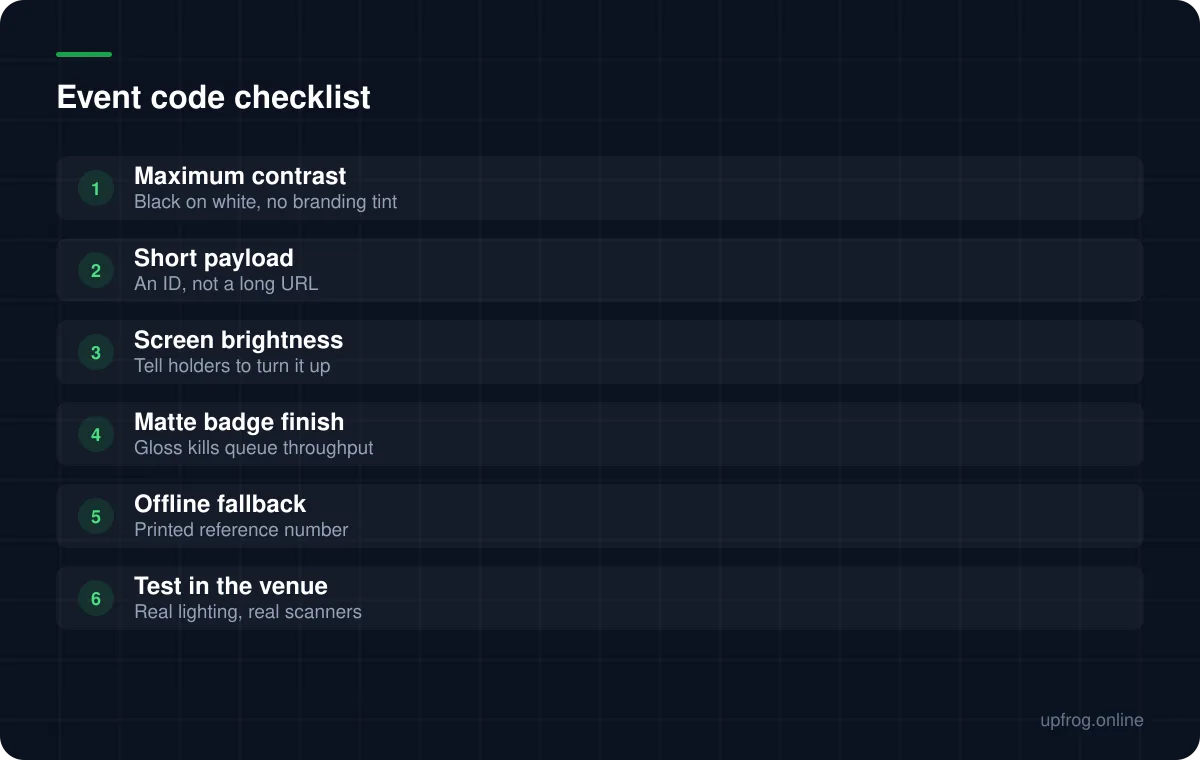
Prioritise contrast over branding
This is the one place where we would actively advise against a coloured or styled code.
Plain dark-on-white maximises the contrast a scanner has to work with, and in a dim venue that headroom is the difference between an instant read and a fumbled one. Brand the ticket around the code, not the code itself.
The same applies to logos. A centre logo consumes error-correction budget that low light and screen glare are already drawing on.
Keep the payload short
A ticket code rarely needs to carry information. It needs to carry an identifier that your system can look up.
Encoding a long signed token or a full URL with query parameters produces a dense code that scans slowly. A short opaque ID produces a sparse code that scans instantly, and the lookup happens in your software where it belongs.
If the code must work offline at the door, keep the encoded data minimal and verify against a downloaded list rather than encoding the whole record.
Badges specifically
Conference badges add their own problems. They hang and swing, they curl, and they are frequently laminated or in a glossy plastic holder.
A plastic holder is a gloss layer over your code whether you asked for one or not. If badges will be in holders, test through the holder, not before it goes in.
Badges also get scanned at awkward angles because staff scan them where they hang rather than asking people to hold still. Size the code more generously than a business card would need.
- 1
Use plain dark-on-white
Save the branding for everything around the code.
- 2
Encode a short identifier, not a URL
The lookup belongs in your system, not in the payload.
- 3
Print at a generous size
Larger than the card sizing rule suggests, because the scanning conditions are worse.
- 4
Test through the holder, in the venue
With the actual lighting and the actual scanner hardware.
- 5
Print a human-readable reference too
So a failed scan is a five second manual lookup rather than a queue-stopping problem.
Calendar codes for promotion
Separately from ticketing, a calendar event code is a genuinely useful piece of event promotion. It writes the date, time and location straight into someone's calendar app, which is far more likely to result in attendance than a date printed on a poster.
Keep the description short — calendar payloads are longer than people expect — and double-check the time zone handling before printing, since an event that lands an hour out is worse than no code at all.
Frequently asked questions
- Should event tickets use styled or branded QR codes?
- No. Event scanning happens in dim venues, from dimmed phone screens, in moving queues. Plain dark-on-white gives the scanner the most contrast to work with, and every failed scan holds up a queue.
- What should a ticket QR code contain?
- A short identifier your system can look up, not a long URL or signed token. Short payloads produce sparse codes that scan instantly, which matters when throughput is the constraint.
- Why do QR codes on phone screens scan badly at events?
- Auto-brightness dims the screen to save battery, screen protectors add glare, and venue lighting reflects off the glass. Ask ticket holders to raise brightness, and test the design from a dimmed screen before finalising it.
Sources
Specifications and primary documentation referenced above.