Short answer
A QR code hides its destination until scanned, which is exactly what makes malicious codes effective. As a publisher, use your own domain so people can recognise it. As a scanner, always read the URL your phone shows before tapping, and be suspicious of stickers placed over existing codes.
The fundamental problem
A QR code is unreadable to humans. You cannot glance at one and tell whether it leads to a menu or a credential-harvesting page. That opacity is inherent to the format, not a flaw in any particular code.
It is also precisely what makes malicious codes work. The attack usually needs no technical sophistication at all: print a sticker with your own code and place it over a legitimate one on a parking meter, a restaurant table or a public notice.
This has a name — quishing, for QR phishing — and it is effective because the physical context does the persuading. A code on an official-looking sign inherits the sign's authority.
If you publish codes
You cannot make your codes unforgeable, but you can make them easier to trust and harder to replace unnoticed.
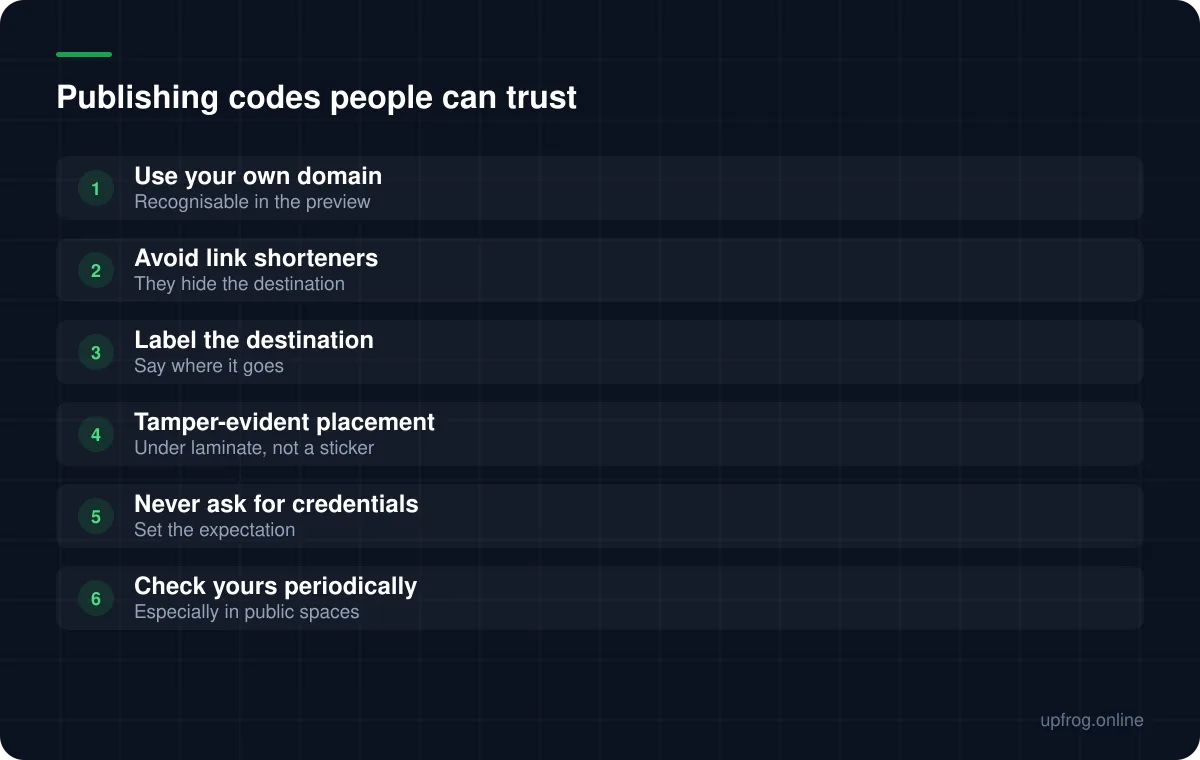
- Point at your own domain, so the preview your phone shows is something a customer recognises.
- Avoid third-party link shorteners, which hide the destination behind a domain nobody knows and are a phishing hallmark.
- Print a short label saying where the code goes, so a swapped code is more likely to be noticed.
- Place codes under laminate or print them directly onto the surface, rather than applying stickers that a sticker can cover.
- Never ask people to enter passwords or payment details on a page reached by scanning, so that anything doing so is obviously not you.
- Check codes in public places from time to time — a covered code is only discoverable by looking.
If you scan codes
The single most useful habit is to read the URL preview your phone displays before tapping it. Both iOS and Android show the destination rather than opening it immediately, and that preview is the entire defence.
Be particularly wary of codes on stickers in public places, codes that lead to a login page, and codes that arrive by email or post claiming urgency about a payment. The physical-world equivalent of a suspicious link is a suspicious sticker.
It is also worth knowing what a code cannot do: scanning one cannot install software by itself. It hands your phone a string, and everything that follows requires you to act on it.
The types that carry more risk
Some content types deserve extra caution because acting on them has immediate consequences.
Payment codes are the obvious case. A cryptocurrency address encoded into a code cannot be verified by eye, and funds sent to the wrong address are unrecoverable. Verify the decoded address against the source before publishing, and before paying.
Wi-Fi codes disclose a network password to anyone who can see them, which is why a separate guest network matters. And contact codes place personal data into the world permanently — think about whether a printed vCard should carry a home address.
- 1
Decode your own codes before publishing
Read the raw string. This catches both errors and tampering at source.
- 2
Prefer your own domain over any redirect service
Recognisability is the trust signal you actually control.
- 3
Make tampering visible
Direct print or laminate, and inspect public placements periodically.
- 4
Read the preview before tapping anything
The habit that prevents most real-world attacks.
Frequently asked questions
- Can a QR code contain a virus?
- Not directly. A code hands your phone a string of text, most often a URL. The risk is in what you do next — visiting a malicious page or entering credentials — rather than in the scan itself.
- How can I tell if a QR code is safe before scanning?
- You cannot tell from the code, which is the core problem. What you can do is read the URL preview your phone shows before tapping, and treat stickers placed over existing codes in public places with suspicion.
- How do I stop someone replacing my QR code with theirs?
- Make tampering visible. Print directly onto the surface or place the code under laminate rather than using a sticker, label what the code does, and inspect public placements periodically.
- Are link shorteners bad for QR codes?
- They hide the destination behind an unfamiliar domain, which removes the one trust signal a user has and matches a common phishing pattern. A short path on your own domain achieves the same length reduction without the downside.
Sources
Specifications and primary documentation referenced above.